My Expansive Life › Blog › Personal Branding
LinkedIn Profile Checklist: 15 Things to Fix Today
By Dr. Nkem Ezeamama · 5 min read
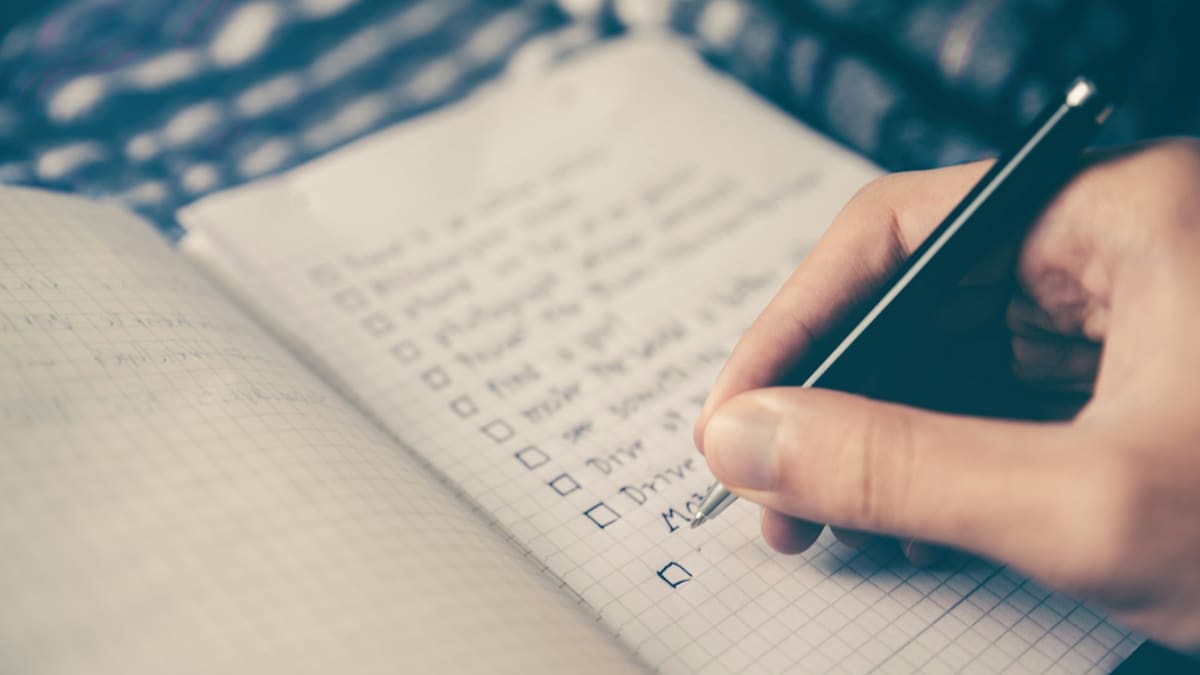
Your LinkedIn profile is the page every post, comment and connection request sends people to. If it is out of date or vague, you lose them there. This LinkedIn profile checklist covers 15 things you can fix today — most take five minutes or less.
Work through it with your profile open in another tab.
The first impression (items 1–5)
- Profile photo. Recent, face clearly visible, good light, plain background. You should look like you do on a video call.
- Banner image. Replace the default blue with something that says what you do — your field, your work or a short line of text.
- Headline. Say who you help and how, not just your job title. Our guide to writing a LinkedIn headline that gets you found has formulas you can use.
- Custom profile URL. Change it to your name instead of the default string of numbers. LinkedIn explains how to find and edit your public profile URL.
- Location and industry. Make sure both are accurate — people search by them.
The story (items 6–10)
- About section opening. The first two lines show before "see more". Lead with the problem you solve, not "I am a passionate…". See how to write an About section people actually read.
- About section ending. Finish with a clear next step: how to contact you or what to do next.
- Experience shows results. For each recent role, add one line on an outcome — a number, a change, a result — not just your duties.
- Featured section. Pin your best two or three pieces: a strong post, an article, a talk, a client result.
- Skills. List the skills you want to be found for, with the most important first.
The proof and the basics (items 11–15)
- Recommendations. Aim for at least three recent ones. Ask former colleagues or clients directly, and suggest what they could mention.
- Contact information. Add a work email or website so interested people can reach you outside LinkedIn.
- Open to / Services. If you want opportunities or clients, say so using LinkedIn's own options.
- Remove what no longer fits. Old roles, outdated skills and irrelevant posts in Featured blur your message.
- Check it as a stranger. View your profile logged out, or ask someone outside your field: can they say what you do in one sentence?
The whole checklist takes about two hours — and you only need to do it properly once, then review it every few months. LinkedIn's own guide to creating a good profile is a useful companion.
What are the most common LinkedIn profile mistakes?
- A job title as the headline. It tells people what you are called, not what you do for anyone.
- An About section written like a CV. Long lists of responsibilities in the third person, with no reason for the reader to get in touch.
- An old or unclear photo. If people do not recognise you on a video call, your profile has lost some trust before you speak.
- An empty Featured section. It is the most visible place to show your best work, and most people leave it blank.
- No way to contact you. Interested people should not have to work out how to reach you.
Before and after: a headline and About opening
Before: "Senior Financial Analyst at Northwind Group"
After: "Financial analyst helping growing healthcare practices understand their numbers | Cash flow · Forecasting · Practice valuation"
The second version tells the right reader who it is for, what problem it solves and which skills to search for — in one line.
About section, before: "I am a results-driven professional with over ten years of experience in financial analysis."
About section, after: "Most practice owners know their revenue. Far fewer know which services actually make them money. For ten years I have helped healthcare practices find out — and decide what to do about it."
The second opening starts with the reader's problem and earns the click on "see more".
How do you ask for a LinkedIn recommendation?
Ask people who have seen your work directly — a former manager, a colleague you worked closely with, or a client — and make it easy for them. A short personal message works far better than LinkedIn's default request:
"Hi Sarah, I'm updating my LinkedIn profile and would value a short recommendation from you, since we worked together on the clinic expansion. If it helps, you could mention how we handled the budget and timeline. Happy to write one for you too."
Offering to return the favour, and suggesting what they could mention, roughly doubles the chance of a reply. Ask three or four people at once; not everyone will have time.
What should go in your Featured section?
Pin two or three items that prove what your headline claims: a post that explains how you think, an article or talk, a case study or client result, or a link to your website or booking page. Put the strongest first — it is the one most people will see without scrolling.
Frequently asked questions
What is the most important part of a LinkedIn profile?
The headline. It appears next to your name everywhere on LinkedIn — in comments, search results and connection requests — so it shapes most first impressions.
How often should I update my LinkedIn profile?
Review it every three months, and update it whenever your role, focus or results change.
Does a complete LinkedIn profile get more views?
Complete profiles give LinkedIn and searchers more to match against, so they tend to appear in more searches. More importantly, a clear profile converts the views you already get.
Should my LinkedIn profile be written in the first person?
Yes, for the About section. "I help…" reads as more personal and direct than writing about yourself in the third person.
What to do after the checklist
A strong profile is the foundation; posting is what brings people to it. Next, read how to build a personal brand on LinkedIn. For the full system, including profile reviews and feedback, join LinkedIn Unlocked.